Icon showing shield

Permit to work software connected to site check-in

EVA Check-in's permit to work software brings requests, approvals and worker sign-on into one workflow connected to site check-in. Give site teams a clear view of planned work, permit status and the people involved before high-risk work begins.

Review planned work and potential permit clashes

See each permit's site, work area, dates, supplier, approval stage and people involved in one record. Review related permits and potential clashes so site teams can assess overlapping work before it begins.


pc
pc

Set up permit workflows around your site process

Build reusable permit types for hot work, working at heights, confined spaces and other activities. Set the questions, validity rules, roles, approval stages and worker signing stages to match your site process.

Keep each permit moving from request to closeout

Bring supplier and site teams into one shared process for applications, pre-work checks, approvals, handback and closeout.

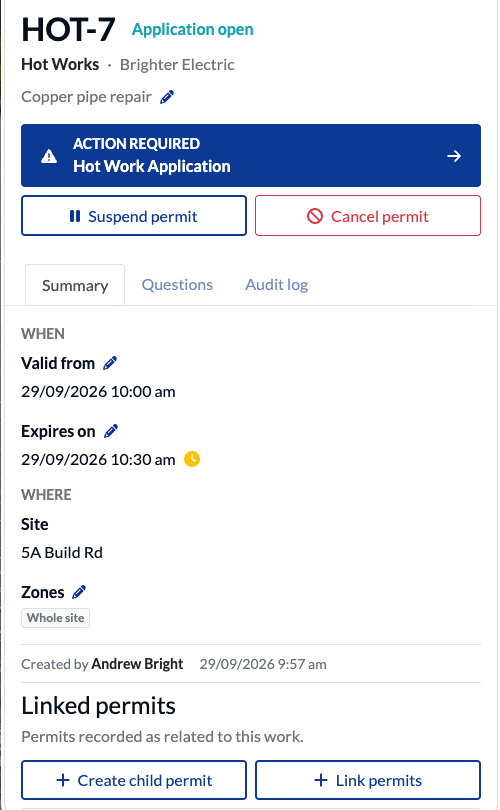
Each permit shows its current stage and status while authorised people complete the actions assigned to their roles.

Example EVA permit details screen showing status, validity dates and the current action
pc

Connect site check-in with permit records

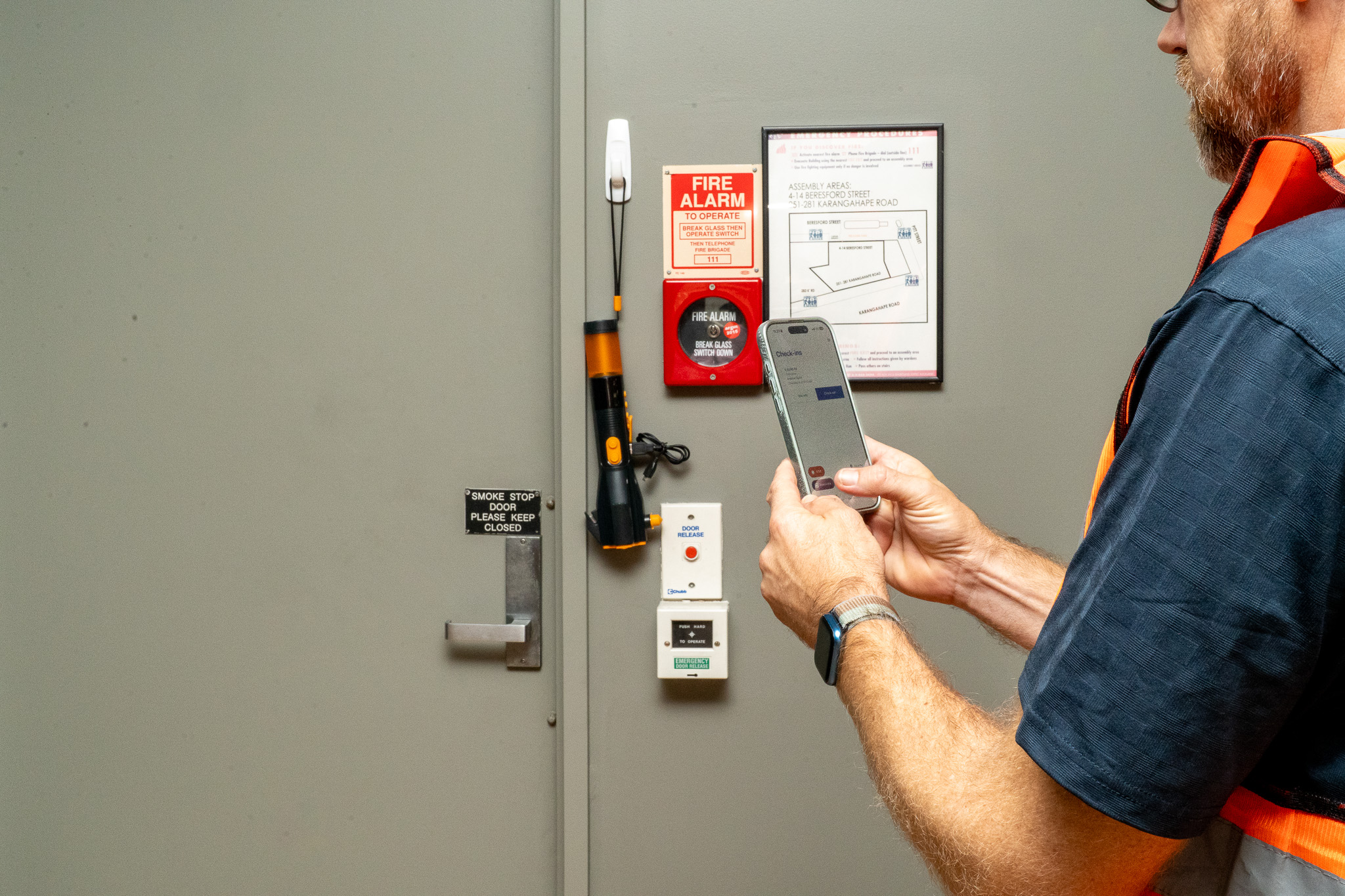
At configured check-in stages, workers checking in for the associated supplier can select permits relevant to their work. EVA records their arrival against those permits and adds them to the people list. Permit sign-on is a separate step, available when the permit reaches its configured worker signing stage.

A permit to work system with clear responsibilities

Give reviewers the information they need

Set which screens and questions each role can see or edit at each stage. Give supplier and site teams the information they need to complete their checks and approvals in line with your process.

Record worker sign-on and re-signing

Workers can review and sign at a configured signing stage. If a revision invalidates signatures, affected workers can review and sign again.

Link permits and review related work

Link permits for the same work and review potential clashes across sites, times and zones. Each permit retains its own checks and approvals.

Keep a traceable permit record

Review updates, stage changes, approvals, worker arrivals, sign-ons and revisions in the audit log. Use PDF exports and email sharing to share permit information with the people who need it.

Frequently asked questions

What is permit to work software?

Permit to work software helps teams manage requests, checks, approvals and worker sign-on for higher-risk activities such as hot work, working at heights and confined-space entry. EVA connects these permit records with site check-in, giving teams visibility of the work and people involved.

When can a worker sign on to a permit?

Signing becomes available when the permit reaches a configured worker signing stage. The worker must be listed as carrying out the work. Site arrival and worker sign-on are tracked separately.

What happens if a signed permit changes?

A revision may invalidate existing worker signatures. Affected workers can review the changes and sign again when signing is available. Earlier actions remain traceable in the audit log.

How does permit to work software support control of work?

Control of work is the process of planning, authorising and coordinating work so teams can assess risks and controls before activities begin. EVA supports this process by bringing permit locations, validity dates, approvals, worker sign-ons and related work into one record. Site teams can review the recorded controls against conditions on site.

See EVA Permits in action

See how permit requests, approvals, site arrival, worker sign-on and closeout connect in EVA Check-in. Book a demo to explore a permit workflow for your site.